Add Aarcher to LinkedIn
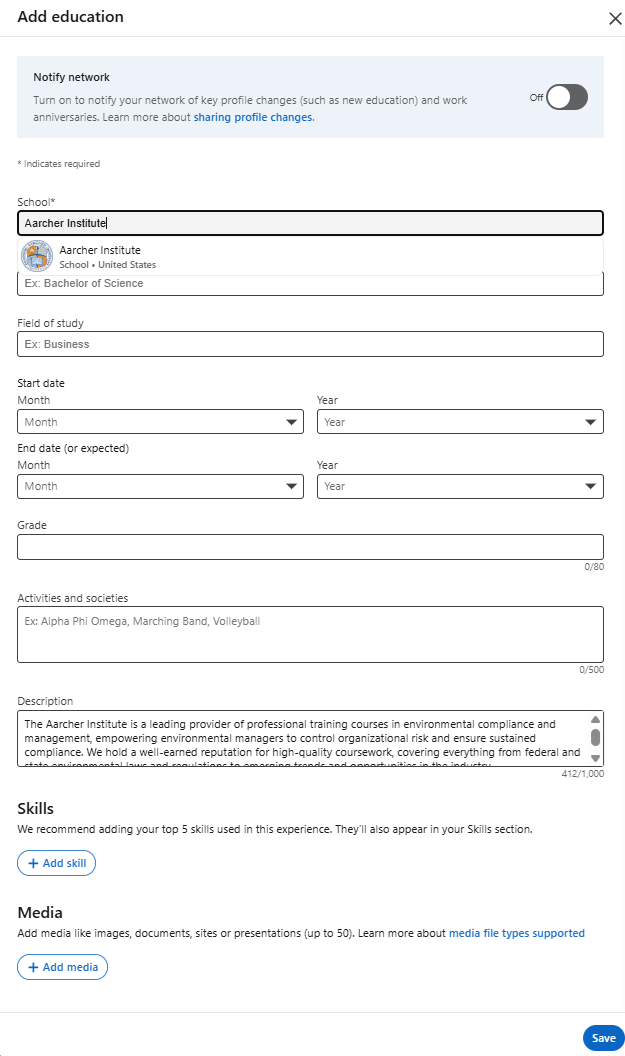
Add to Education
- Click the Me icon at the top of your LinkedIn homepage.
- For mobile: Tap your profile photo.
- Click View profile.
- For mobile: Tap your profile photo again to access your profile page.
- Scroll down to the Education section and click the Add icon.
- School: Aarcher Institute
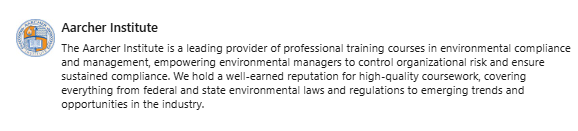
- Description: [Description of Aarcher Institute]
Consider turning on the Notify network toggle to share this update with your connections and adding skills or media to support your educational qualification!
- Suggested skills:
- Compliance Management
- Safety Operations
- Emergency Management
- Industrial Processes
- EHS Software & Data
Add to Courses
- Go to your LinkedIn profile and click the Add profile section button.
- Select Recommended and then Add courses.
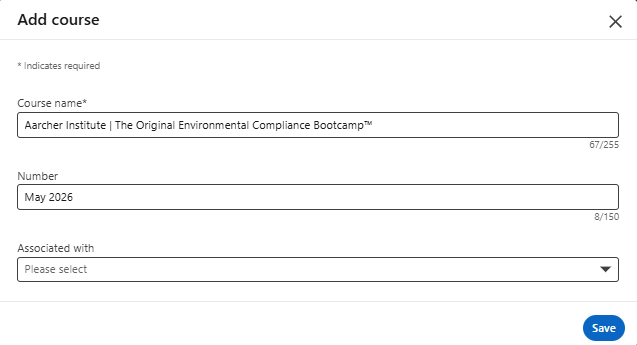
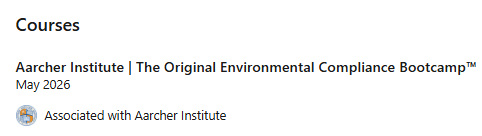
- Please enter the following information (example to the right):
- Course name: add "Aarcher Institute" and course name
- Number: enter the month and year of course attendance
- Associated with: If you entered Aarcher Institute in your Education section, you can select it here in the drop-down menu.
- Click Save.